related blog
%20(3).svg)
Innovation
4 Min Read
What's New at CrewCam - June Newsletter & Releases
We dropped five powerful features to make jobsite photo tracking smoother than ever the first of June: From auto taging photos to guest access.
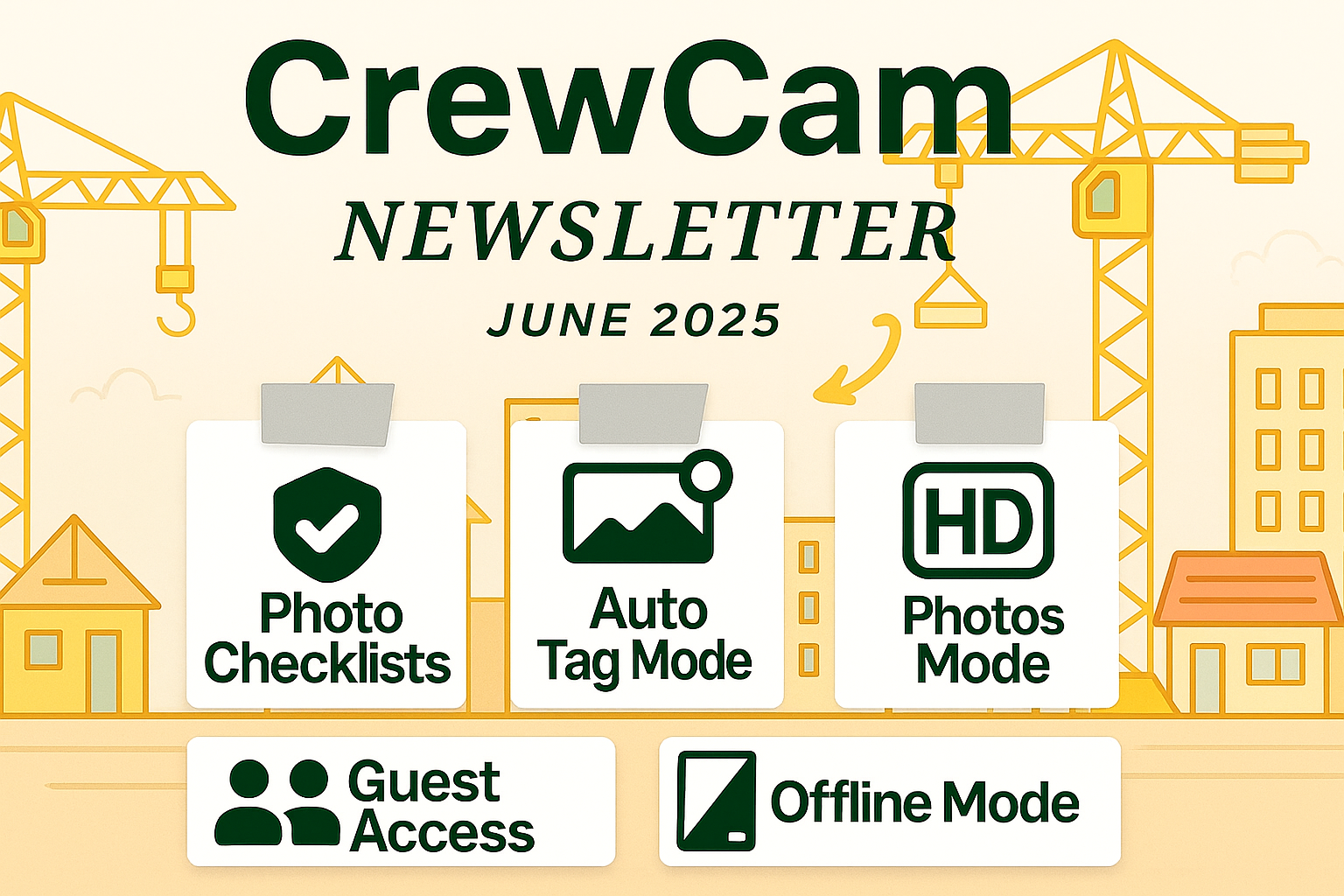
What’s New at CrewCam — June 2025
We’re building CrewCam to be the fastest, simplest way to track real-time jobsite progress and protect your team from costly disputes. This June, we rolled out a set of powerful new updates to give you more control, more clarity, and more confidence on the job.
🏷️ Auto Tag Mode: Tag Once. Snap Forever.
Tired of forgetting to label photos? Auto Tag Mode lets you select your tags before you even snap a photo. Once set, every shot you take will automatically apply those tags.
This makes organizing easier than ever:
- Filter photos by tag to find exactly what you need.
- Keep job documentation consistent across your entire crew.
- Save time by skipping the manual tagging process.
Whether you're documenting daily progress, site conditions, or safety checks, Auto Tag Mode keeps everything organized with zero friction.
🔍 HD Photo Mode: Control Your Upload Quality
Sometimes, you need speed. Other times, you need crystal-clear detail. With HD Photo Mode, you now have the choice:
- Normal Uploads: Fast and lightweight for day-to-day updates.
- HD Uploads: High-resolution images ideal for inspections, incident documentation, or sharing with clients.
This gives your team the flexibility to choose what matters most for each job.
📶 Offline Mode: No Signal? No Problem.
Crews often work in remote areas or inside buildings where cell service is spotty or nonexistent. With Offline Mode, CrewCam now works seamlessly without a connection:
- Access your projects while offline.
- Keep snapping and tagging photos.
- Syncs automatically as soon as you're back online.
Never lose progress because of poor coverage. Whether you're under a bridge or in the backcountry, CrewCam keeps working.
📸 Photo Checklists: Turn Tasks into Visual Proof
You asked for it. Now it’s here.
Our new Photo Checklists let you require a photo to complete specific checklist items. This means:
- Every task is backed by visual confirmation.
- No more box-checking without proof.
- Easier QA and client reporting.
It’s one of the fastest ways to ensure accountability, transparency, and trust across your teams.
👥 Guest Collaborator Access: Bring in Subs Without the Chaos
Managing subs and external contractors can get messy. Now, you can invite outside collaborators to specific projects without giving them full access to your account.
- Send a simple invite link.
- Guests can view and upload project photos.
- No full team access required.
Get all your job documentation from everyone working on it. This keeps your projects streamlined and secure, while still giving everyone what they need to do the job right.
Built for the Field. Built for You.
Every feature this month was driven by real feedback from crews like yours. Whether you're running a small crew or overseeing multi-site operations, these updates are designed to help you:
- Move faster
- Stay organized
- Reduce liability
- Get the job done right
If you're already using CrewCam, update your app to get these features now.If you haven’t tried it yet, this is the time.
Got feedback or a feature request? We’re listening. Hit us up inside the app or drop us a line. We build fast—and we build for you.
Ready to put these tools to work? Get started free today.



See CrewCam in action
Start your free trial now by clicking the button below


Wanna chat or demo?
Questions? Concerns? Requests? Talk to a real human

Watch a CrewCam demo now 😎
Short on time, busy, got jobs to do? See how CrewCam works now!